SQL LIMIT Statement: Syntax, Examples, and Pagination
A query that returns every matching row can flood a console, slow a dashboard, or send far more data to an application than anyone needs. The SQL LIMIT statement solves the output problem by setting the maximum number of rows a SELECT query may return.

A query that returns every matching row can flood a console, slow a dashboard, or send far more data to an application than anyone needs. The SQL LIMIT statement solves the output problem by setting the maximum number of rows a SELECT query may return.
In databases that support it, add LIMIT n near the end of the query, usually after ORDER BY. Use a deterministic sort whenever the identity or sequence of the returned rows matters; without one, the database is free to return any qualifying subset.
This guide covers the basic syntax, realistic examples, database-specific alternatives, and the point at which OFFSET pagination should give way to a cursor-based approach.
What does the SQL LIMIT statement do?
The SQL LIMIT statement places an upper bound on a query's result set. If a query matches fewer than the requested number, it returns every matching row; if it matches more, it returns no more than the limit.
For example, this query returns at most 10 products:
SELECT product_id, product_name, price
FROM products
LIMIT 10;
LIMIT changes the rows sent as the final result. It does not replace filtering, aggregation, or sorting. Those parts of the query still define which rows qualify and how they are arranged.
That distinction matters for both correctness and cost. Google notes that in BigQuery, LIMIT reduces rows produced but does not limit the amount of data processed. A small result is therefore not proof of a cheap query.
Common uses include:
- previewing a table while exploring its schema;
- returning the latest orders, highest-value accounts, or lowest-stock products;
- keeping a development query from producing an unwieldy result;
- serving a fixed number of records to a page or API response;
- selecting one row after a deterministic sort.
If you searched for “limit statement” in a calculus context, that is a different concept. Here, LIMIT is a row-limiting clause in SQL.
SQL LIMIT statement syntax and basic examples
The portable-looking form used by PostgreSQL, MySQL, SQLite, BigQuery, and several other systems is:
SELECT column_list
FROM table_name
WHERE condition
ORDER BY sort_column
LIMIT row_count;
LIMIT belongs near the end of the SELECT statement. MySQL's current SELECT grammar places it after ORDER BY, while allowing either LIMIT row_count OFFSET offset or a two-number shorthand. The MySQL 8.4 reference also specifies that its limit and offset values are nonnegative integers.
Return a small sample
SELECT customer_id, email, created_at
FROM customers
LIMIT 5;
This is useful for inspecting columns and values, but the five customers are not meaningfully “first” because no order is defined.
Return the five newest customers
SELECT customer_id, email, created_at
FROM customers
ORDER BY created_at DESC, customer_id DESC
LIMIT 5;
The second sort key is deliberate. If two customers share the same created_at value, customer_id breaks the tie and produces a stable order.
Return the three highest-value open orders
SELECT order_id, customer_id, total_amount
FROM orders
WHERE status = 'open'
ORDER BY total_amount DESC, order_id ASC
LIMIT 3;
This query filters first, orders the qualifying orders, and then returns three rows from that ordered result. LIMIT does not mean “three arbitrary open orders”; the complete ORDER BY defines which three qualify as the highest-value records.
Use the SQL LIMIT statement with a deterministic ORDER BY
A bare LIMIT 10 is syntactically valid in many databases, but it makes no promise about which 10 rows you receive. PostgreSQL's documentation is explicit: without an ORDER BY that creates a unique order, a limited query can return an unpredictable subset.
This mistake often hides during development. A small table may appear to return insertion order repeatedly, so the result looks stable. After an index is added, statistics change, or the optimizer selects a different plan, the apparent order can change without any data being wrong.
Use a sort that expresses the business question:
-- Latest support tickets
SELECT ticket_id, subject, opened_at
FROM support_tickets
ORDER BY opened_at DESC, ticket_id DESC
LIMIT 20;
The unique tie-breaker is important for pagination as well as top-N queries. Sorting only by opened_at leaves the relative order of tickets with equal timestamps undefined. Adding ticket_id gives every row a fixed position.
An aligned index can also make an ordered limit efficient. PostgreSQL explains that an index matching ORDER BY can let the engine retrieve the first n rows directly, rather than sorting the entire candidate set. Whether that happens depends on the database, query, data distribution, and execution plan, so inspect the plan instead of assuming the limit did the optimization.
LIMIT with filters, joins, and aggregates
LIMIT applies to the final result of the query block where it appears. That makes its placement especially important in joins, aggregation, subqueries, and set operations.
Filter before limiting
SELECT product_id, product_name, inventory_count
FROM products
WHERE inventory_count < 10
ORDER BY inventory_count ASC, product_id ASC
LIMIT 25;
The WHERE clause narrows the candidate rows. ORDER BY ranks the low-stock products, and LIMIT caps the final list.
Limit aggregated results
SELECT product_id, SUM(quantity) AS units_sold
FROM order_items
GROUP BY product_id
ORDER BY units_sold DESC, product_id ASC
LIMIT 10;
Here the database groups order items and calculates totals before the limited result is returned. The query answers “Which 10 products sold the most units?” It does not limit the raw order_items table to 10 rows before calculating totals.
Limit after a join
SELECT
  o.order_id,
  c.company_name,
  o.total_amount,
  o.created_at
FROM orders AS o
JOIN customers AS c
  ON c.customer_id = o.customer_id
ORDER BY o.created_at DESC, o.order_id DESC
LIMIT 20;
The join can produce many candidate rows even though only 20 are returned. Avoid reading LIMIT 20 as a workload guarantee; validate join cardinality, filters, indexes, and the execution plan.
Use a window function for top N per group
A final LIMIT 3 returns three rows overall, not three rows for each category. Use a window function when the requirement is “top three per group”:
WITH ranked_products AS (
  SELECT
    category_id,
    product_id,
    revenue,
    ROW_NUMBER() OVER (
      PARTITION BY category_id
      ORDER BY revenue DESC, product_id ASC
    ) AS revenue_rank
  FROM product_revenue
)
SELECT category_id, product_id, revenue
FROM ranked_products
WHERE revenue_rank <= 3
ORDER BY category_id, revenue_rank;
This is a ranking problem, not a final-result-size problem. A SQL query builder can help assemble filters and joins, but the intended grain and ranking rule still need to be explicit.
SQL LIMIT equivalents by database
LIMIT is widespread, but it is not universal SQL syntax. Use the form documented for the database executing the query.
| Database | First 10 rows | Pagination form | Important note |
|---|---|---|---|
| PostgreSQL | LIMIT 10 | LIMIT 10 OFFSET 20 | Supports LIMIT ALL, equivalent to omitting the limit |
| MySQL | LIMIT 10 | LIMIT 10 OFFSET 20 | Also accepts LIMIT 20, 10, where offset comes first |
| SQLite | LIMIT 10 | LIMIT 10 OFFSET 20 | Docs recommend the OFFSET keyword over comma syntax |
| BigQuery | LIMIT 10 | LIMIT 10 OFFSET 20 | Limit does not reduce bytes processed |
| SQL Server | TOP (10) | OFFSET 20 ROWS FETCH NEXT 10 ROWS ONLY | Pagination is part of ORDER BY |
| Oracle | FETCH FIRST 10 ROWS ONLY | OFFSET 20 ROWS FETCH NEXT 10 ROWS ONLY | Supports WITH TIES with an ordered result |
PostgreSQL defines LIMIT ALL as the same as leaving out the clause. MySQL supports both comma and keyword forms, but its comma syntax reverses the visual order: LIMIT 20, 10 means skip 20, return 10.
SQLite supports the same shorthand but strongly encourages the `OFFSET` form because the comma-separated argument order is counterintuitive.
SQL Server uses TOP for a simple top-N query:
SELECT TOP (10) order_id, total_amount
FROM orders
ORDER BY total_amount DESC, order_id ASC;
Microsoft recommends pairing TOP with ORDER BY and using `OFFSET` plus `FETCH` for paging. Oracle's row-limiting clause uses OFFSET and FETCH; its documentation likewise recommends ORDER BY for deterministic top-N results.
Do not mechanically paste LIMIT into every database connection. Dialect-aware generation matters when an application supports more than one database.
How to use the SQL LIMIT statement for pagination
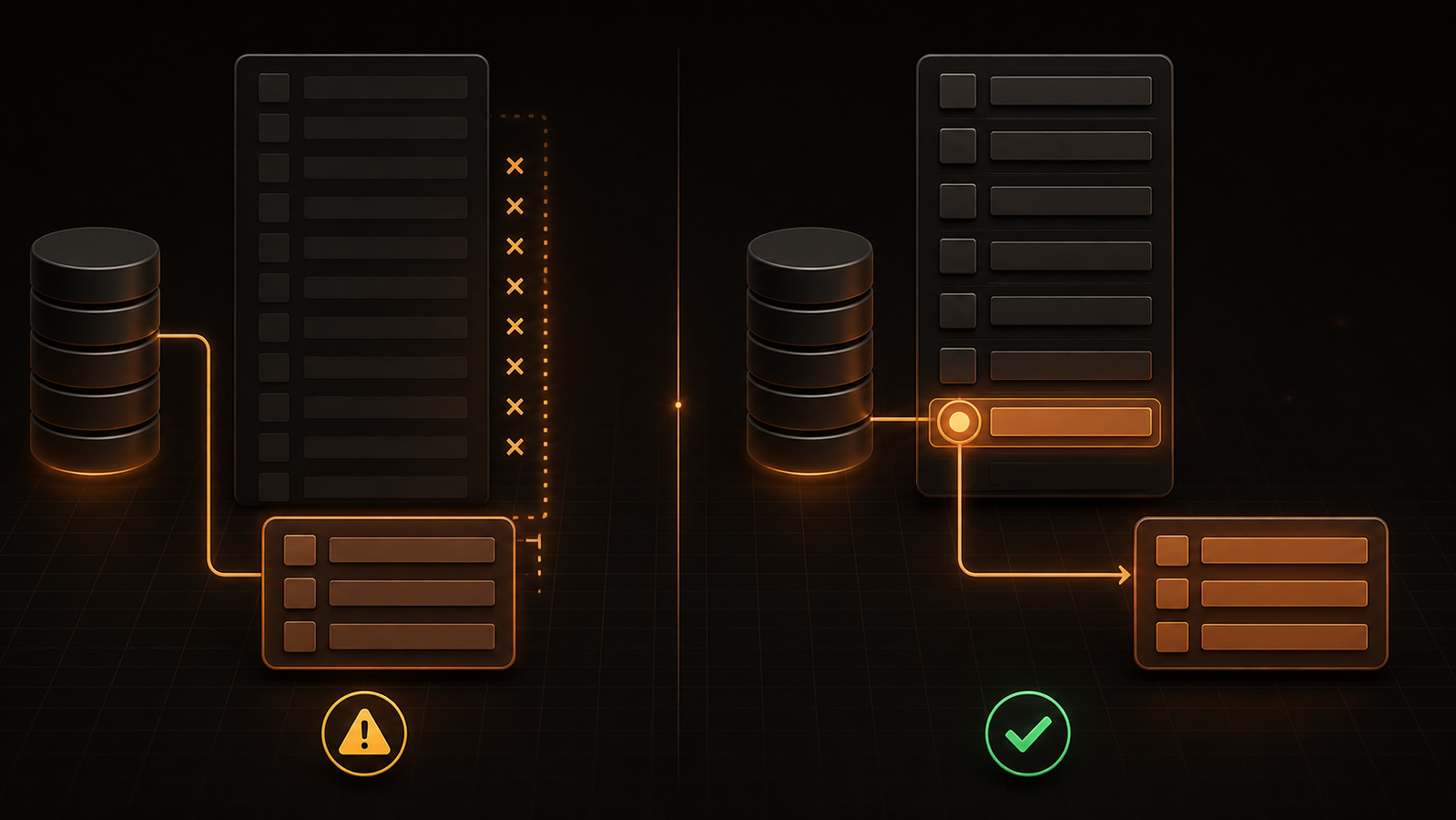
For small, relatively static result sets, LIMIT and OFFSET provide straightforward page-number pagination. If each page contains 20 rows, the offset is (page_number - 1) * 20.
-- Page 3: skip 40 rows, return the next 20
SELECT order_id, created_at, total_amount
FROM orders
ORDER BY created_at DESC, order_id DESC
LIMIT 20 OFFSET 40;
This pattern is easy to explain and allows a user to jump directly to a numbered page. It has two weaknesses at scale.
First, skipped rows are not free. PostgreSQL notes that rows skipped by OFFSET still have to be computed, so deep pages can become progressively more expensive.
Second, results can drift while data changes. Suppose a new order is inserted after page 1 is loaded but before page 2 is requested. The new row shifts the offsets, which can cause a record to appear twice or be missed.
Switch to keyset pagination for deep or changing lists
Keyset pagination—also called seek or cursor pagination—uses the last row from the previous page as the boundary for the next query:
SELECT order_id, created_at, total_amount
FROM orders
WHERE (created_at, order_id) < (:last_created_at, :last_order_id)
ORDER BY created_at DESC, order_id DESC
LIMIT 20;
The exact tuple-comparison syntax varies by database, but the idea is consistent: filter to rows after the last seen sort key instead of counting and discarding everything before them. Markus Winand's explanation of the seek method shows why it avoids the work and common duplicate-row behavior of large offsets.
Use offset pagination when direct page jumps matter and the result set is modest. Prefer keyset pagination for infinite scroll, activity feeds, event streams, and large tables where users mainly move forward or backward. Keyset pagination requires a stable, unique order and a cursor containing every value used in that order.
Common SQL LIMIT mistakes and a safer checklist
Before treating a limited query as production-ready, check the following.
1. Define “first” or “top”
Add ORDER BY whenever row identity matters. Include a unique tie-breaker so repeated values do not create an unstable boundary.
2. Keep limit and offset values valid
Use nonnegative integers and enforce an application-side maximum page size. Parameterize values where the driver and database support it; do not concatenate untrusted input into SQL.
3. Do not confuse output size with work performed
A limit may help an optimizer stop early, especially with a matching ordered index, but joins, scans, aggregation, and sorts can still process substantial data. Use EXPLAIN or the database's query profile.
4. Avoid ambiguous comma syntax
Prefer LIMIT 10 OFFSET 20 to LIMIT 20, 10. The explicit form makes “return 10 after skipping 20” harder to reverse accidentally.
5. Put the limit in the correct query block
A limit inside a subquery changes the rows available to the outer query. A limit after a UNION caps the combined result when the dialect's syntax permits it. Parentheses and placement are semantic, not cosmetic.
6. Use ranking for top N per group
If the question contains “for each,” a window function is usually the right tool. A single final limit caps the whole result set.
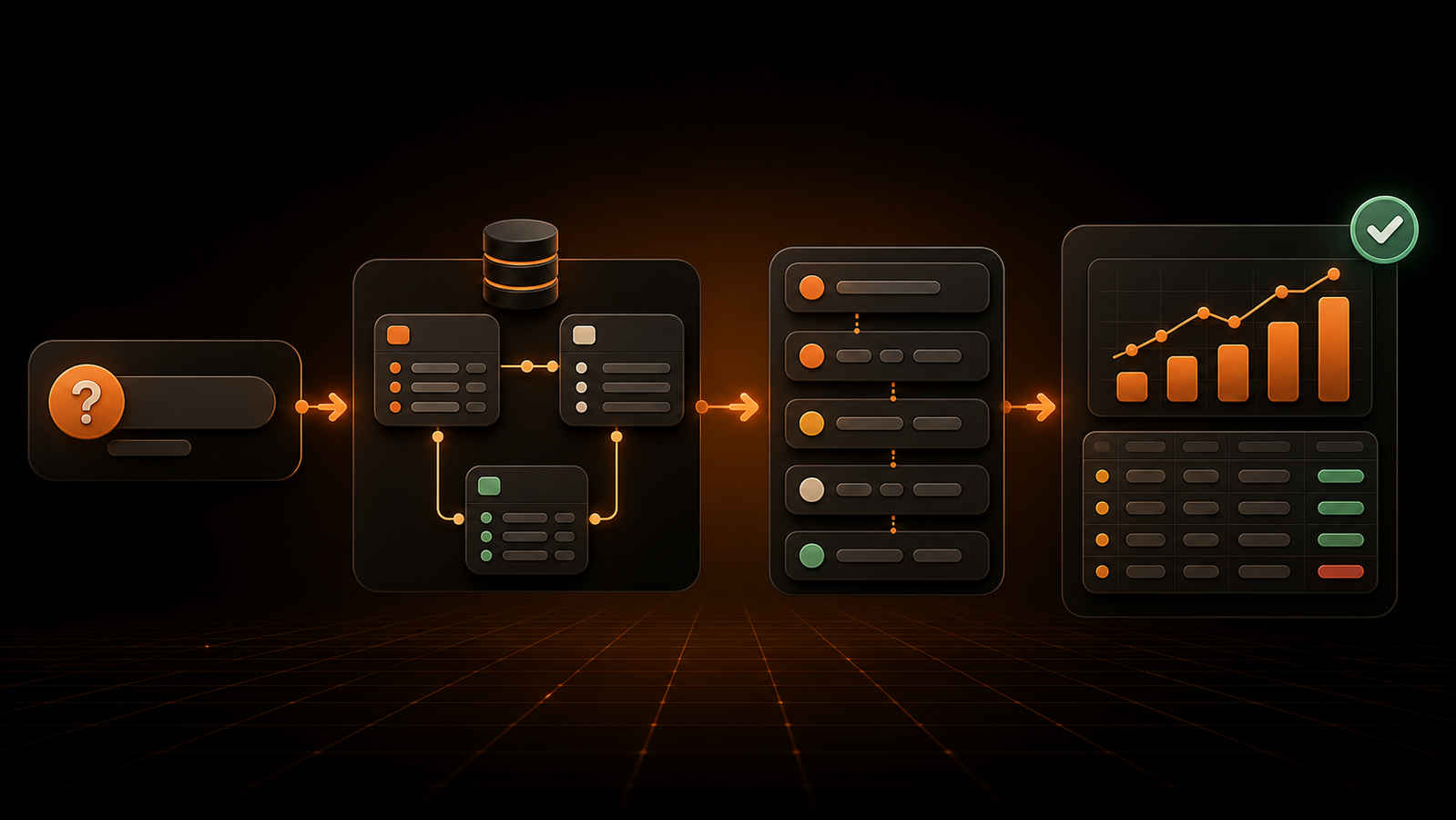
For teams that primarily need business answers instead of hand-authored SQL, GetInsights can translate a plain-English question into a database-specific query, run it through a read-only enforcement layer, and show the result as a chart or dashboard. The generated SQL remains available for review, which makes the ordering, filters, and row limits auditable rather than hidden.
Frequently asked questions
How do you use a limit statement in SQL?
In PostgreSQL, MySQL, SQLite, and BigQuery, place LIMIT n near the end of a SELECT query. Add ORDER BY before it when you need a predictable set of rows, for example: SELECT * FROM orders ORDER BY created_at DESC, order_id DESC LIMIT 10;.
Does LIMIT work in SQL Server?
SQL Server does not use LIMIT for this purpose. Use SELECT TOP (n) for a simple top-N result, or ORDER BY ... OFFSET ... FETCH NEXT ... for pagination.
What is the difference between LIMIT and TOP?
Both can cap a query result, but they belong to different SQL dialects and appear in different positions. LIMIT is written near the end of a query in systems such as PostgreSQL and MySQL; TOP follows SELECT in SQL Server.
What does LIMIT 1 do in SQL?
LIMIT 1 returns no more than one row from the query result. Pair it with a deterministic ORDER BY when you mean the newest, oldest, largest, or smallest row; without an order, the identity of that one row is unspecified.
Is LIMIT applied before or after ORDER BY?
In the result semantics of a standard top-N query, the rows are ordered and then the output is limited. That is why ORDER BY price DESC LIMIT 5 returns the five highest prices, while LIMIT 5 without an order returns an unspecified subset.
What does LIMIT ALL mean?
In PostgreSQL, LIMIT ALL means no row limit and is equivalent to omitting the LIMIT clause. It is database-specific syntax, so check the target engine before using it.
Is LIMIT enough to make a query fast?
No. It can reduce result transfer and may allow an optimizer to stop early, but the database may still scan, join, aggregate, or sort many rows. Check the execution plan and index the filters and ordering used by frequent queries.
Choose the row-limiting pattern that matches the job
Use LIMIT for previews and top-N results, always with a complete ORDER BY when row identity matters. Add OFFSET for simple, shallow pagination; move to keyset pagination when lists are large, frequently updated, or navigated sequentially.
If your team wants governed business answers without writing each query by hand, start with a read-only database connection and always inspect every generated query before saving the result to a dashboard.
Ask your data a question instead
Connect your database and ask in plain English. GetInsights writes the SQL, runs it read-only, and hands you the chart and dashboard.
Start for free